Animation with Wick Editor
Bring your drawings to life: learn frames, timing, layers, clips and tweens, then create and export your own short animated story in Wick Editor.
🟢 Beginner8 lessons
Wick Editor studio
Open Wick Editor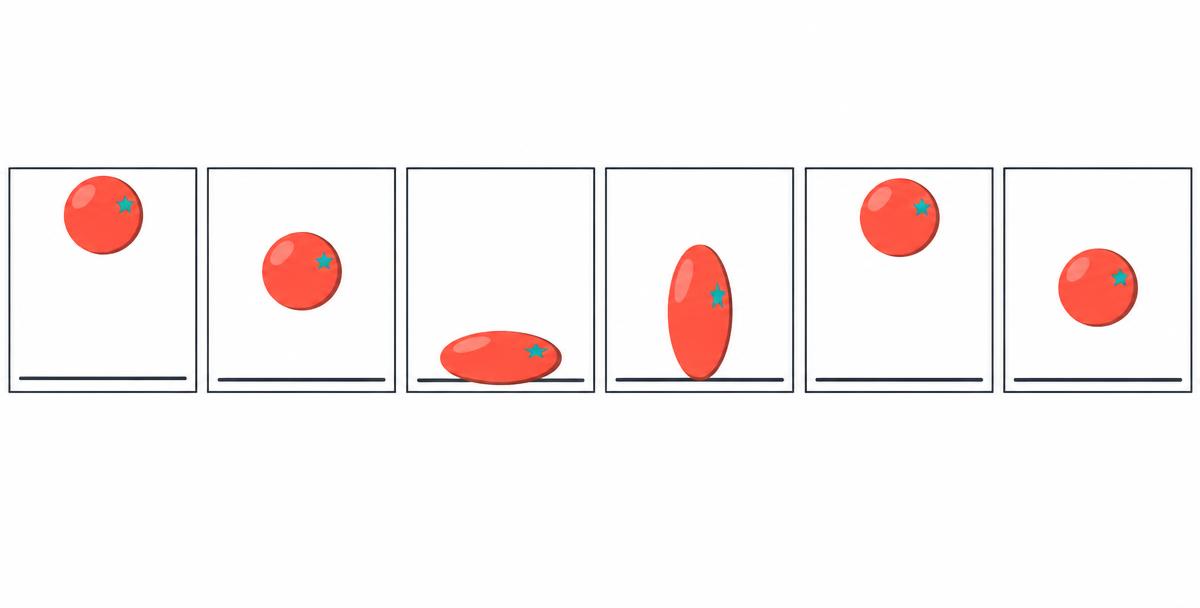
Connected courses
- 50
Lesson 1
Meet Wick Editor
Create your first project and learn to save an editable animation.
- 60
Lesson 2
Frames, Timing & Onion Skin
Animate a bouncing ball and compare smoothness, speed and spacing.
- 60
Lesson 3
Drawing, Layers & Composition
Keep backgrounds and moving artwork organised and readable.
- 70
Lesson 4
Make Movement Feel Alive
Apply squash and stretch, anticipation, easing and follow-through.
- 80
Lesson 5
Clips & Transformation Tweens
Combine reusable animated clips with movement, rotation and scale.
- 80
Lesson 6
Storyboard, Story & Sound
Plan a short story and use sound only when it adds meaning.
- 80
Lesson 7
Export, Review & Improve
Keep your editable project and check a finished GIF or video.
- 100
Lesson 8
Final Project: Your Original Animation
Make and hand over a short animated story created in Wick Editor.