Lesson 2 of 8
Frames, Timing & Onion Skin
Animate a bouncing ball and compare smoothness, speed and spacing.
Wick Editor studio
Open Wick Editor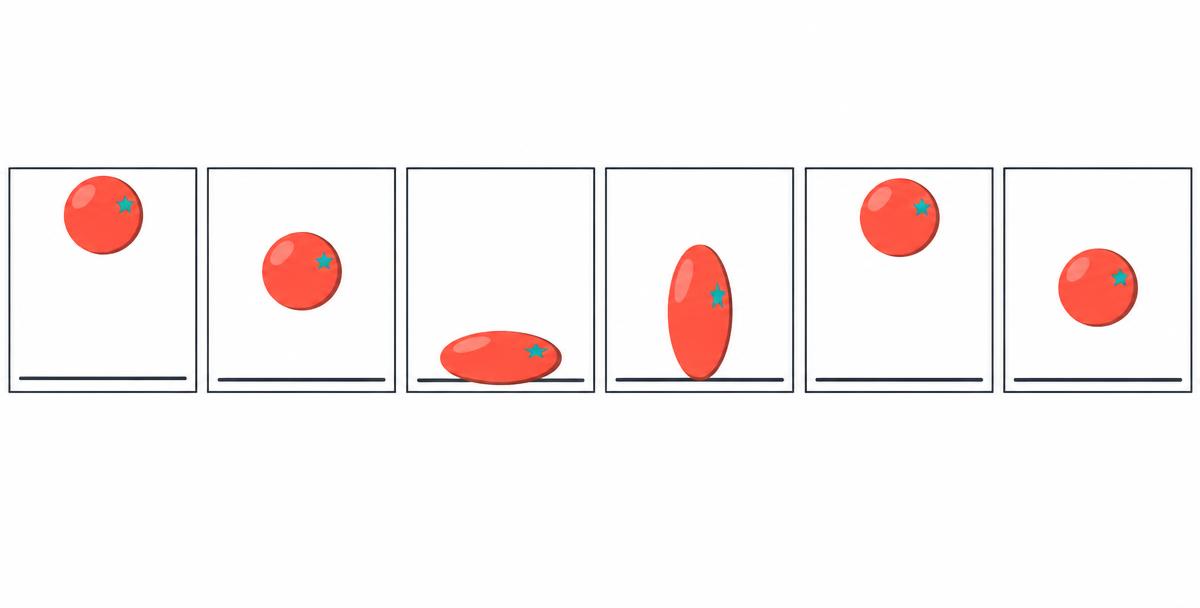
Learn it
Frame-by-frame animation uses a series of drawings with small changes. Onion skin shows nearby drawings as faint guides so you can compare positions.
Timing is how long an action takes. Spacing is how far an object moves between drawings. Close spacing looks slow; larger gaps look fast.
At 12 frames per second, 24 timeline frames last two seconds. Holding a drawing for two frames means fewer new drawings, not a change to the project frame rate.
Key terms
- Frame rate
- Timeline frames played per second.
- Onion skin
- Faint views of nearby drawings.
- Timing
- How long an action takes.
- Spacing
- Distance between successive poses.
Make it in Wick Editor
- 1Plan: Sketch a ball’s high pose, contact pose and return.
- 2Animate: Add changed drawings across consecutive frames.
- 3Compare: Enable onion skin and check spacing.
- 4Preview: Play the animation and adjust frames to improve the motion.
Try it
Predict the playback duration.
calculationtimeline_frames = 24
frames_per_second = 12
duration = timeline_frames / frames_per_secondChallenge
Make a short bouncing-ball animation in Wick Editor. Compare close and wide spacing, then explain your frame rate, frame count and approximate duration.
Pick whichever way suits you — every mode earns the same bonus XP.
Write at least 40 more characters to submit.
Mark your own work
Guided walkthrough — 0/2 clues revealed
- Clue 1 locked — reveal it only if you get stuck.
- Clue 2 locked — reveal it only if you get stuck.
Each clue costs 3 XP (never below 15 XP). You'd earn 30 XP right now.