Inkscape: Design a Film Poster
Learn Inkscape step by step — the free vector design app — and finish with your own A2 film poster, uploaded right here for your teacher to see.
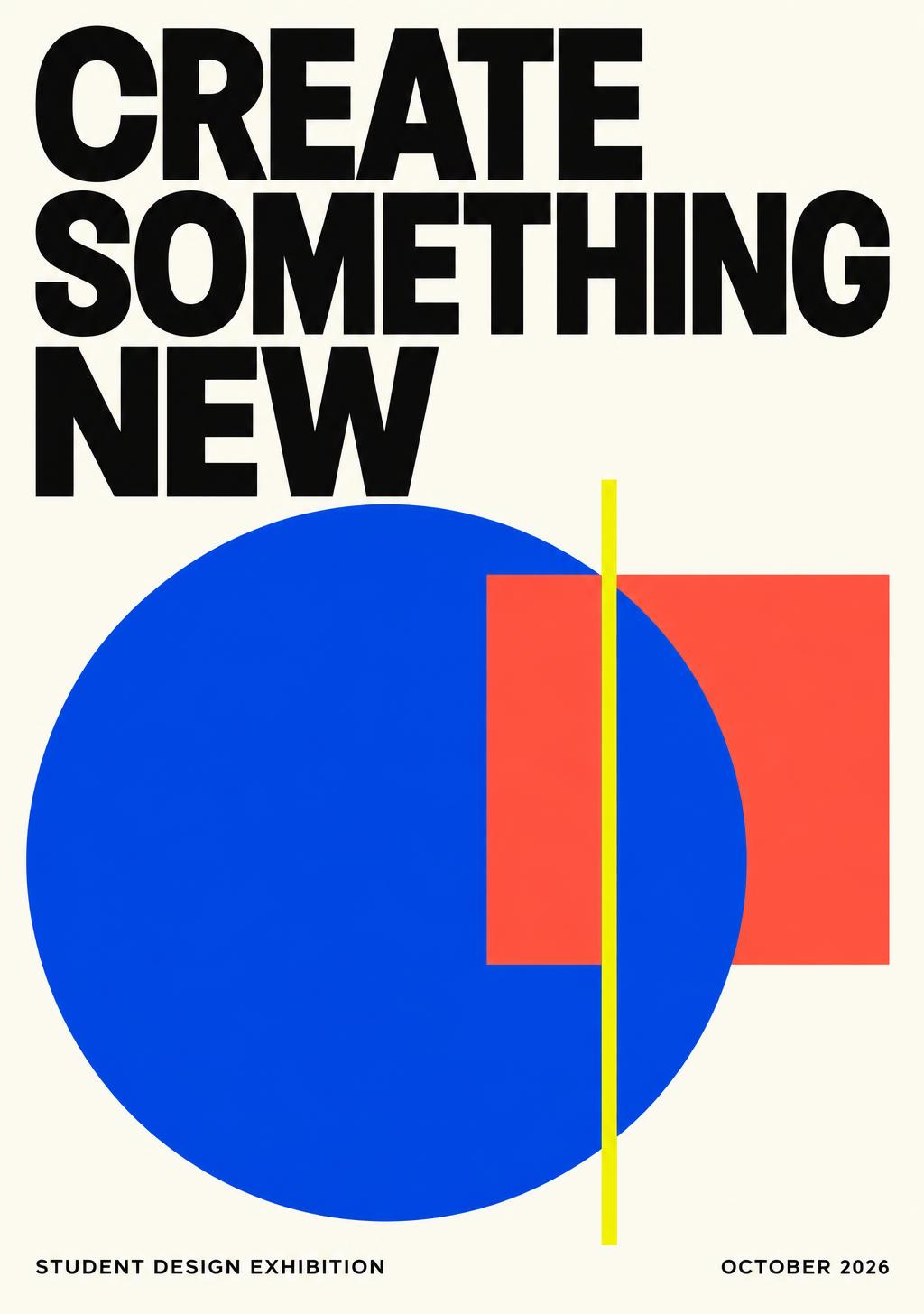
Your A2 design studio
Create a 420 × 594 mm poster in portrait, or 594 × 420 mm in landscape. Keep an editable master and export a checked PDF.
Recommended · free desktop vector design · editable SVG
Free desktop image editing · editable XCF · set 300 PPI for raster work
Browser alternative · use school-approved access and free assets; some options are paid
Submit artwork files through your school’s usual system. CodeQuest saves your written reflection, not poster files.
Upload your work
PNG, JPG, PDF or SVG up to 25 MB. Only you and your teachers can see it.
Sign in to upload your poster.
Connected courses
- 40
Lesson 1
Meet Inkscape
Install Inkscape, learn the workspace and why vector graphics suit posters.
- 50
Lesson 2
Set Up Your Poster Page
Use Document Properties to make an A2 poster page with margins and guides.
- 50
Lesson 3
Shapes, Colour & Mood
Build backgrounds with shapes, gradients and a colour palette that fits your film's genre.
- 60
Lesson 4
Images, Tracing & Clipping
Import pictures you have the right to use, trace them into vectors and clip them into shapes.
- 60
Lesson 5
Typography for Film Titles
Design a title, tagline and billing block that read clearly from across a room.
- 60
Lesson 6
Pen Tool, Nodes & Custom Art
Draw your own shapes and effects with the Pen and Node tools.
- 60
Lesson 7
Layout, Composition & Feedback
Arrange everything with strong composition, then get feedback and improve.
- 100
Lesson 8
Final Project: Your Film Poster
Finish, export and upload your A2 film poster made in Inkscape.