Graphic Design & A2 Posters
Learn layout, typography, colour and digital design, then create your own A2 poster in free design software.
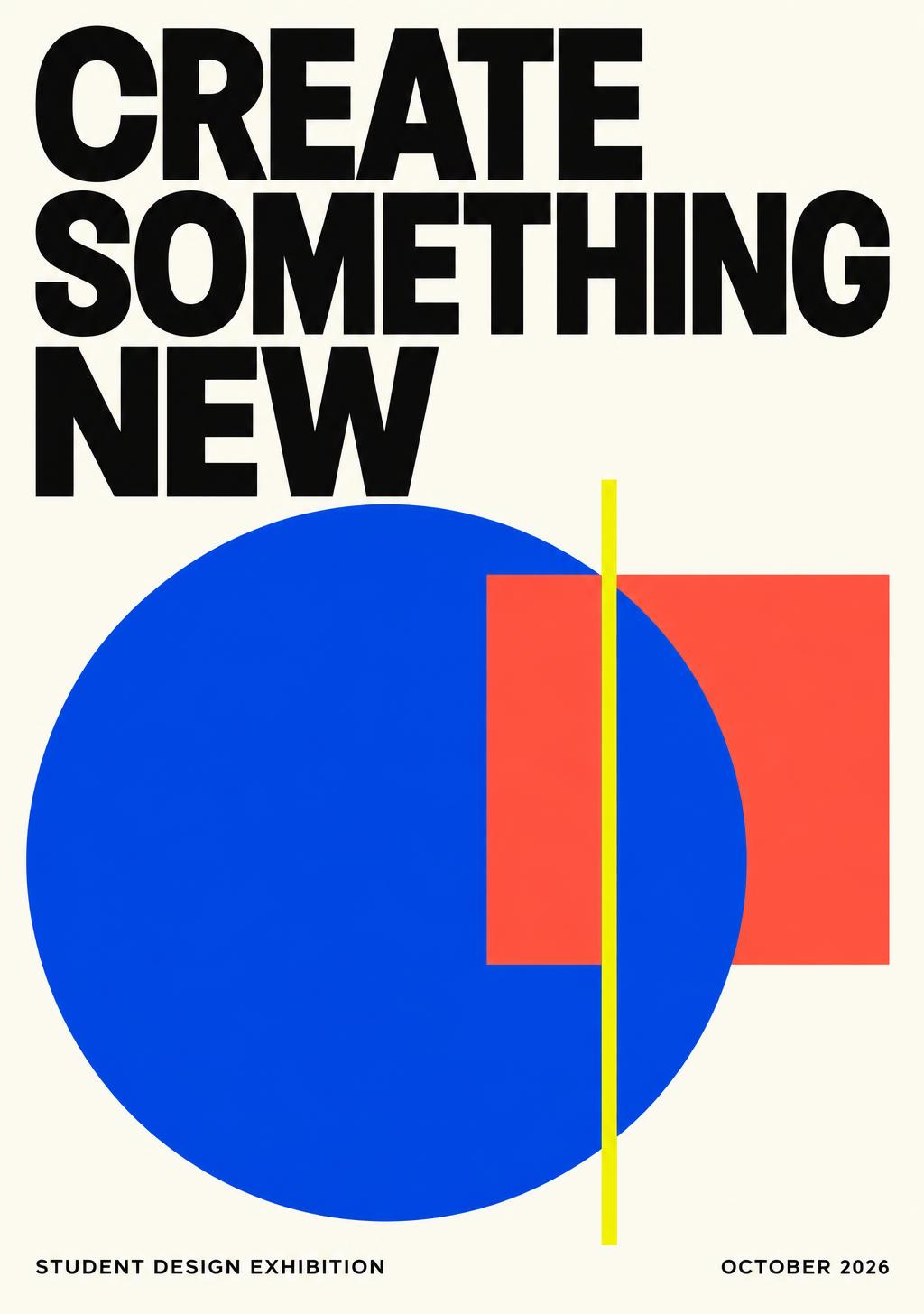
Your A2 design studio
Create a 420 × 594 mm poster in portrait, or 594 × 420 mm in landscape. Keep an editable master and export a checked PDF.
Recommended · free desktop vector design · editable SVG
Free desktop image editing · editable XCF · set 300 PPI for raster work
Browser alternative · use school-approved access and free assets; some options are paid
Submit artwork files through your school’s usual system. CodeQuest saves your written reflection, not poster files.
- 40
Lesson 1
1. Graphic Design: Message & Audience
Turn an idea into a clear visual brief for your own A2 poster.
- 50
Lesson 2
2. Choose Your Software & Set Up A2
Create the actual A2 document in Inkscape, GIMP or Canva.
- 50
Lesson 3
3. Layout, Grids & Visual Hierarchy
Make the headline stand out and arrange information in a clear reading order.
- 60
Lesson 4
4. Typography That Communicates
Choose readable type and style the words that carry your message.
- 60
Lesson 5
5. Colour & Accessible Contrast
Build a purposeful palette and make your message easy to see.
- 60
Lesson 6
6. Images, Shapes & Layers
Create original artwork and combine it with responsibly sourced images.
- 70
Lesson 7
7. Critique, Refine & Export
Test your poster and produce an A2 file ready for teacher review or printing.
- 120
Lesson 8
8. Final Project: Your Own A2 Digital Poster
Complete and present an original A2 poster made in computer design software.