Lesson 8 of 8
8. Final Project: Your Own A2 Digital Poster
Complete and present an original A2 poster made in computer design software.
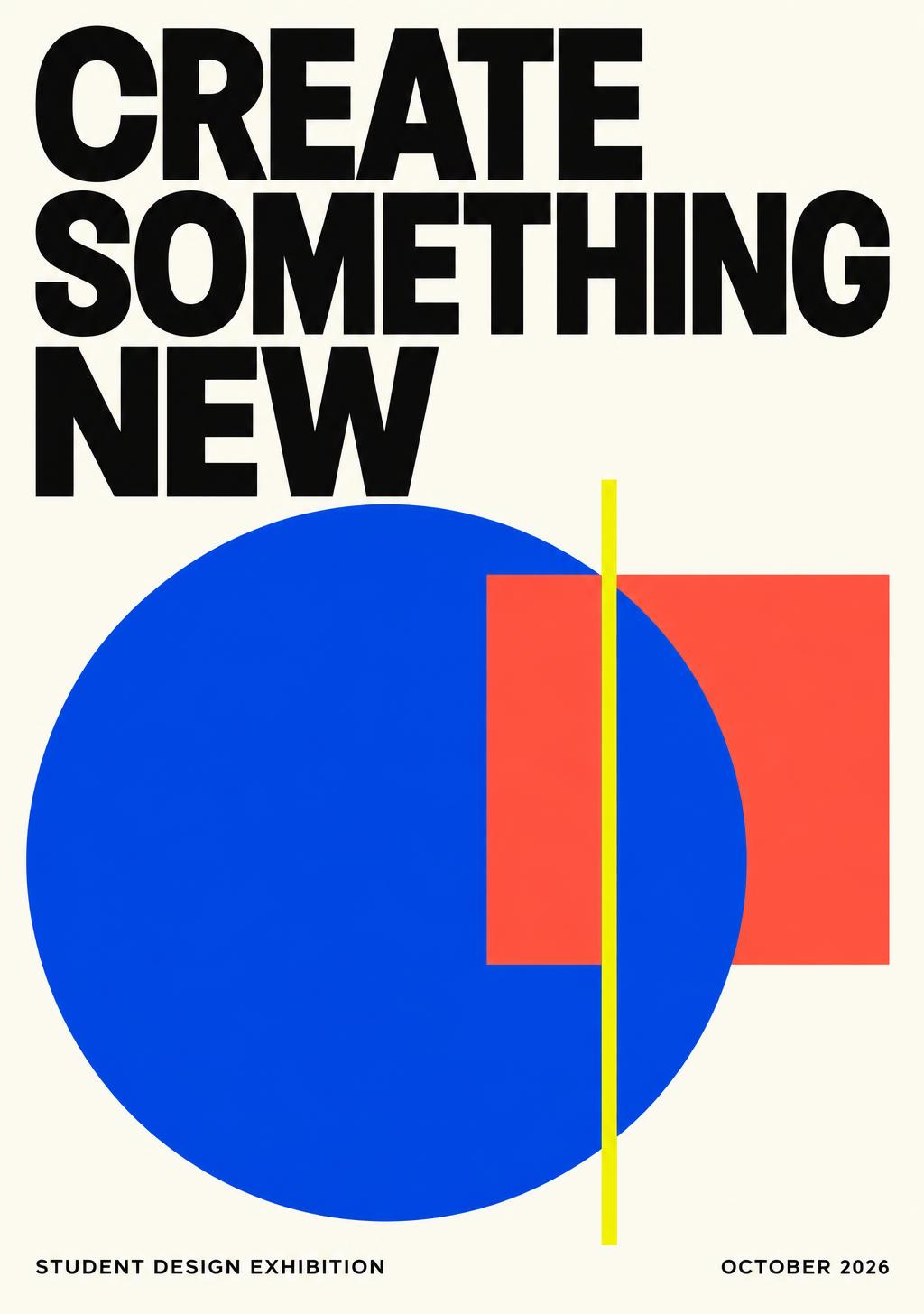
Your A2 design studio
Create a 420 × 594 mm poster in portrait, or 594 × 420 mm in landscape. Keep an editable master and export a checked PDF.
Recommended · free desktop vector design · editable SVG
Free desktop image editing · editable XCF · set 300 PPI for raster work
Browser alternative · use school-approved access and free assets; some options are paid
Submit artwork files through your school’s usual system. CodeQuest saves your written reflection, not poster files.
Learn it
Make a finished, original A2 poster in Inkscape, GIMP or another teacher-approved design application. A written plan alone is not the finished project.
Submit the editable design file, an A2 PDF and a preview image to your teacher through your school’s usual submission system.
In this lesson’s answer box, write your design rationale and list the submitted files. This page records your reflection; it does not upload or verify artwork files.
Key terms
- Rationale
- An explanation of why your design choices support the brief.
- Deliverables
- The finished files and supporting evidence a project requires.
Studio task
- 1Finish: Complete the artwork in your selected design application.
- 2Check: Use the preflight list and verify A2 settings.
- 3Submit: Send the design files through the school’s usual submission system.
- 4Present: Show your poster and explain two revisions after feedback.
Design notebook
textPROJECT HANDOVER
Topic and audience: ...
Software: ...
A2 size and orientation: ...
Editable master filename: ...
A2 PDF filename: ...
Preview filename: ...
Asset sources: ...
Two improvements after feedback: ...
Design rationale: 150–250 wordsTry it
Order the final project handover.
- 1Finish the original artwork in design software
- 2Verify dimensions, readability and asset permissions
- 3Present the design rationale and revisions
- 4Submit files to the teacher through the school system
- 5Save the editable master and checked A2 PDF
Challenge
Complete your original A2 digital poster and submit the actual artwork files to your teacher through your school’s usual system. In the answer box, write a 150–250 word rationale, software and A2 settings, submitted file names, asset sources and two improvements after feedback. A written answer by itself does not complete the poster project.
Pick whichever way suits you — every mode earns the same bonus XP.
Write at least 40 more characters to submit.
Mark your own work
Guided walkthrough — 0/2 clues revealed
- Clue 1 locked — reveal it only if you get stuck.
- Clue 2 locked — reveal it only if you get stuck.
Each clue costs 6 XP (never below 30 XP). You'd earn 60 XP right now.